Terminal on iPhone
Close the app. Your shells keep running.
Lumzoi Desk opens a terminal on your Mac from your iPhone or iPad. Each shell lives in your session on the Mac, so a dropped connection or a closed app doesn't end it.
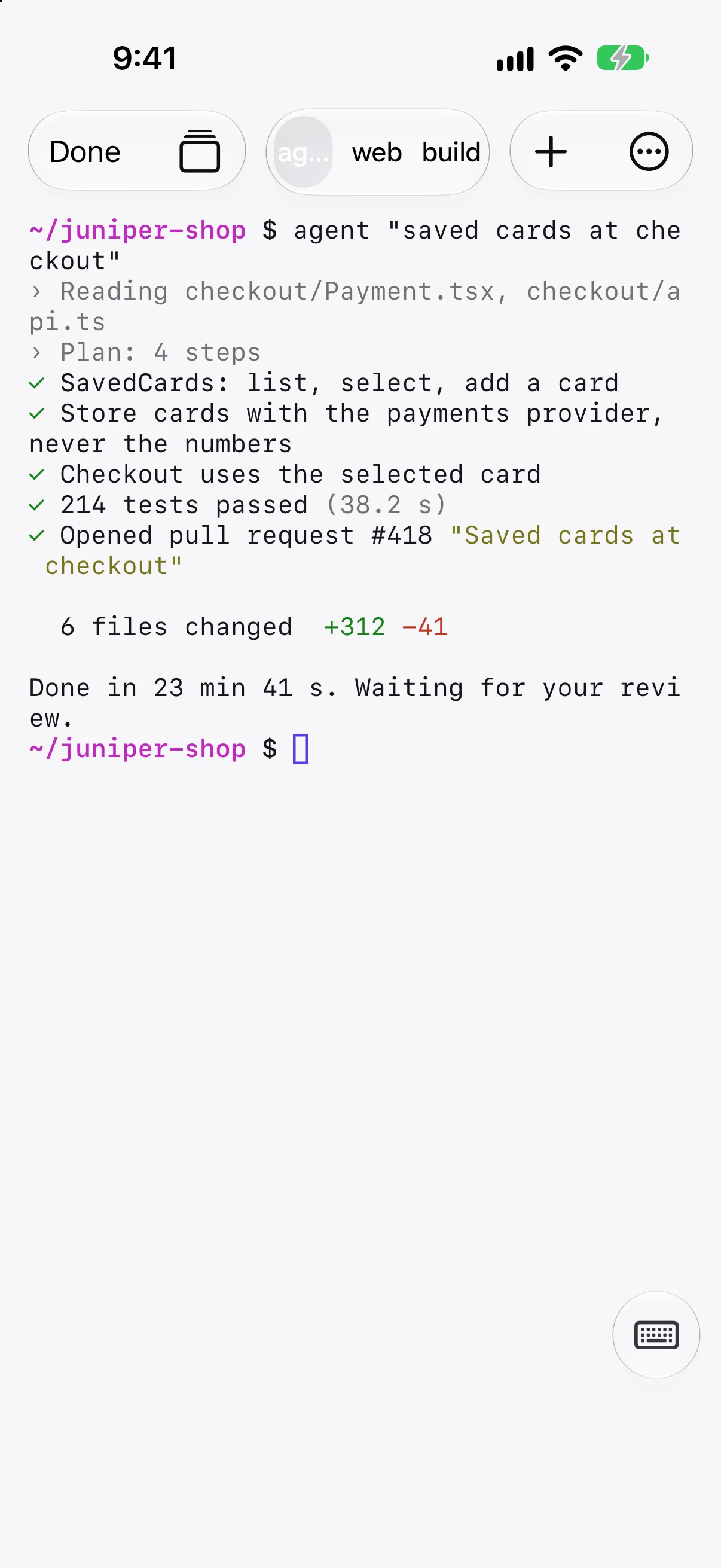
Like tmux, without setting it up
Detach by closing the app or losing signal. Reattach by opening the session. Shells stay for up to 7 days, or until you end them.
- Several shells per session, each a tab.
- Recent output is there when you come back.
- They stop if the Mac restarts, as in any terminal.
No SSH server, no open ports
The terminal goes through the same encrypted connection as the rest of Lumzoi Desk: directly when the network allows, through our relay when it doesn't. You don't turn on Remote Login or forward a port.
- Works on mobile data, hotel Wi-Fi and office networks.
- Encrypted end to end.
- The Mac asks before a new device connects.
Made for a phone keyboard
The output stays in view until you need to type. Tap the keyboard button and a key row adds Esc, Tab, Control and the arrows; on iPad, a hardware keyboard works as you'd expect.
- Shells run as you, with your login environment.
- Open a new shell with one tap.
- Switch to the desktop or files in the same session.
Questions
Is this an SSH client?
Not quite. It opens shells on your Mac through Lumzoi Desk's own connection, so the Mac doesn't need Remote Login turned on. From that shell you can SSH on to any server as usual.
Can I connect to a Linux server with it?
Not directly. Lumzoi Desk connects to Macs running Desk Host. Open a shell on your Mac and SSH to the server from there.
What happens to my shells if the Mac restarts?
They stop, as they would in any terminal. Sessions survive disconnects and network changes, not restarts.