Remote desktop on iPad and iPhone
Your Mac's desktop, on iPad and iPhone.
See and control your Mac from your iPad or iPhone, from home or across the world. Text stays sharp when the screen is still, and full-colour video takes over when it moves.
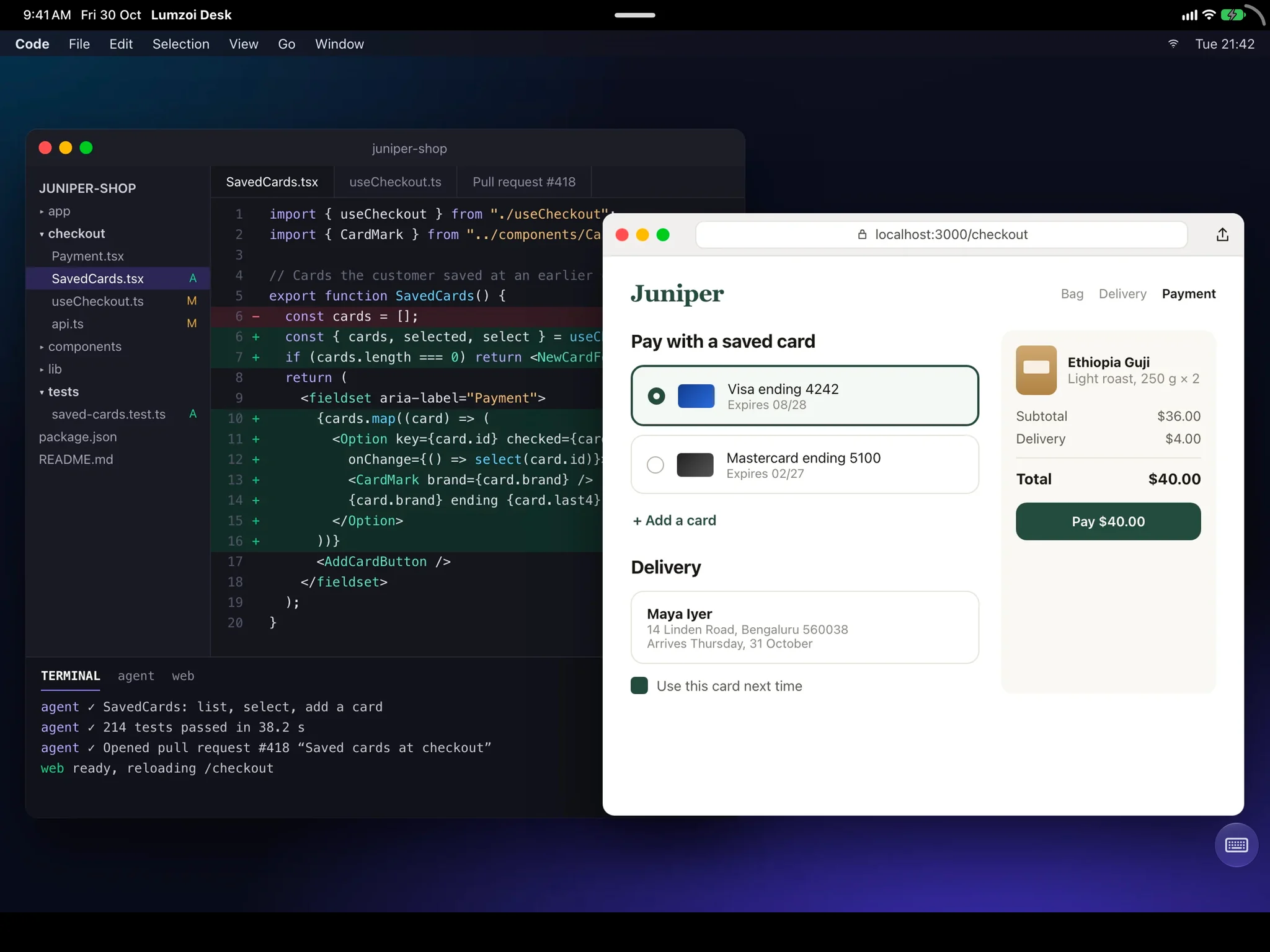
Made for reading and working
A still screen is sent without loss, so code and small text stay crisp. Choose Low latency for typing and pointing, or Best quality for reading.
- Keyboard and trackpad on iPad work as on a Mac.
- Copy text, images and files both ways.
- On another Mac, each display can open in its own window.
From any network
Lumzoi Desk connects directly when the network allows and through our relay when it doesn't, so hotel Wi-Fi, office firewalls and phone hotspots all work.
- No router setup or port forwarding.
- Encrypted end to end on every path.
- Carries on when you switch networks.
More than a screen
The same session has the Mac's terminal, files, tunnels and a chat with whoever is at the Mac, so you open the screen only when you need it.
- Shells that keep running after you leave.
- Files moved in either direction.
- Voice calls with the person at the Mac.
Questions
Which Macs can I connect to?
Any Mac with Apple silicon running macOS 15 or later, with Desk Host installed: Mac mini, Mac Studio, Mac Pro, iMac, MacBook Air or MacBook Pro.
Does it work on iPhone too?
Yes. iPhone, iPad and Mac have the full desktop, with the same features.
Does the Mac need to stay awake?
Yes. In System Settings, open Energy and turn on Prevent automatic sleeping when the display is off.